
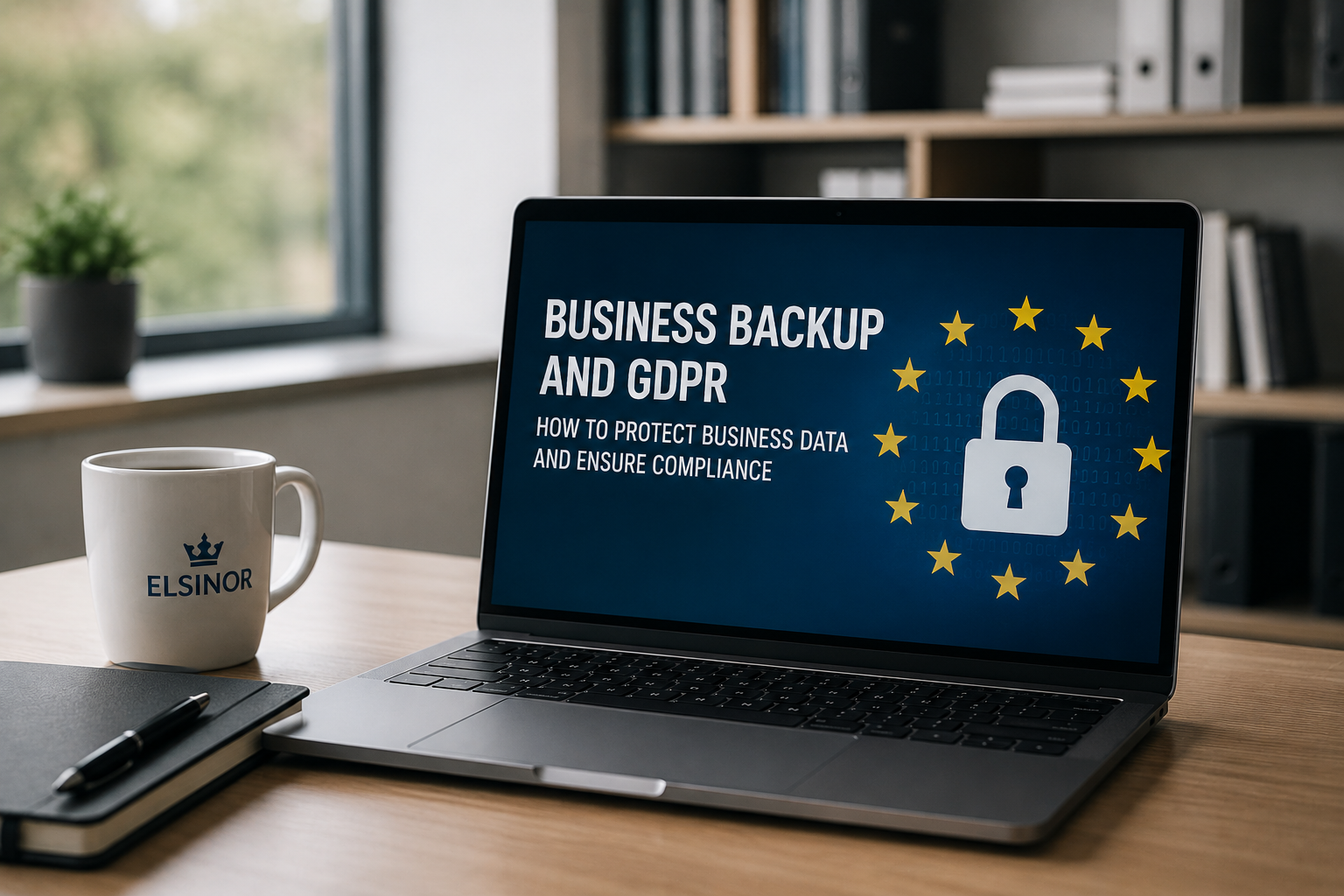
Many companies believe they are safe because they use cloud services such as Microsoft 365, Google Workspace, OneDrive, or Dropbox. In reality, storing data in the cloud does not necessarily mean it is properly protected.
Every day, businesses of all sizes lose documents, databases, emails, and critical information due to human error, ransomware attacks, hardware failures, or accidental deletions. When this happens, the issue is not only operational—it can also become a legal and regulatory problem.
What Does GDPR Say About Backups?
The General Data Protection Regulation (GDPR) does not explicitly require organizations to use a specific backup solution. However, it does require businesses to implement appropriate technical and organizational measures to ensure:
- Data confidentiality
- Information integrity
- System availability
- The ability to restore data and services quickly in the event of an incident
Article 32 of the GDPR specifically highlights the need to ensure the resilience of systems and services, as well as the ability to restore the availability of personal data in a timely manner.
In other words, if a company loses customer data and is unable to recover it, it may find itself in a situation of non-compliance.
The Most Common Risks for Businesses
Many cybersecurity incidents are not caused by sophisticated hackers but by much simpler events:
- Accidental deletion of files or folders
- Cloud synchronization errors
- Malware and ransomware attacks
- Disk or server failures
- Configuration mistakes
- Theft or loss of company devices
Without a proper backup strategy, these events can disrupt business operations for days or even weeks.
Cloud Storage Is Not a Backup Strategy
One of the most common misconceptions is believing that Microsoft 365 or Google Workspace automatically provide a complete backup solution.
While these platforms ensure service availability, responsibility for protecting business data largely remains with the organization using them.
If an employee accidentally deletes an important folder or a ransomware attack encrypts synchronized files, the issue can quickly spread across all connected devices and cloud copies.
For this reason, more organizations are adopting dedicated backup solutions for:
- Microsoft 365
- Exchange Online
- SharePoint
- OneDrive
- Google Workspace
- File servers
- Databases and virtual machines
The 3-2-1 Backup Rule
One of the most widely recognized best practices in data protection is the 3-2-1 backup rule:
- 3 copies of your data
- 2 different storage media
- 1 copy stored off-site